Apple Messages for Business branding
How to name Apple Messages for Business, which of Apple's four approved Messages buttons to use, where to place them on your website and app, and the rules for marketing and press.
Apple Messages for Business is an Apple trademark, and Apple reviews how you present it, both in the Experience Review and after launch. This page collects Apple's rules for naming the service, the buttons you may use, and how to put them on your website and in your app.
Naming
| Term | When to use it | |
|---|---|---|
| ✅ | Apple Messages for Business | Full name. Headlines, first mentions, and formal copy. |
| ✅ | Apple Messages | Short form, in customer-facing copy and button labels. |
| ❌ | iMessage | Never. That's Apple's personal messaging service, not the business channel. |
| ❌ | Messages for Business | Never without "Apple" in front. |
| ❌ | "chat" or "text" | Don't use them to describe the buttons or the experience. |
| ❌ | The Apple logo in place of the word "Apple" | Never. Write the word. |
Also avoid the names people invent: "iMessage for Business", "Apple Chat", "Business Chat" (the service's retired name), and "AMB". Those abbreviations are fine in your code and internal docs, but never in front of customers.
| Instead of | Write |
|---|---|
| Text us on iMessage | Message us in Apple Messages |
| Chat with us | Message Us |
| Now on Messages for Business | Now on Apple Messages for Business |
| Available on iOS 18 and later | Available on iPhone, iPad, and Mac |
Name the devices, not the operating system versions: customer-facing copy says iPhone, iPad, and Mac.
The approved buttons
Apple provides four calls to action. Use one of them, unmodified, so customers know what happens when they tap:



| Button | Use it on |
|---|---|
| Message Us | General support and contact pages. |
| Contact an Agent | Places where customers expect to reach a person. |
| Ask a Question | Product pages and pre-purchase help. |
| Get Help | Troubleshooting, order issues, and support hubs. |
Where a full button doesn't fit, such as a widget, a toolbar, or a row of contact icons, use the Messages icon on its own.
Each comes in black and white; pick the one that stands out from your page. Download the official artwork from Apple's Message with your customer guide. Don't redraw, recolor, re-letter, or crop it, and don't build a lookalike: Apple's assets are the only approved versions. Using Apple logos or other Apple trademarks beyond these buttons needs Apple's written approval.
Design your website
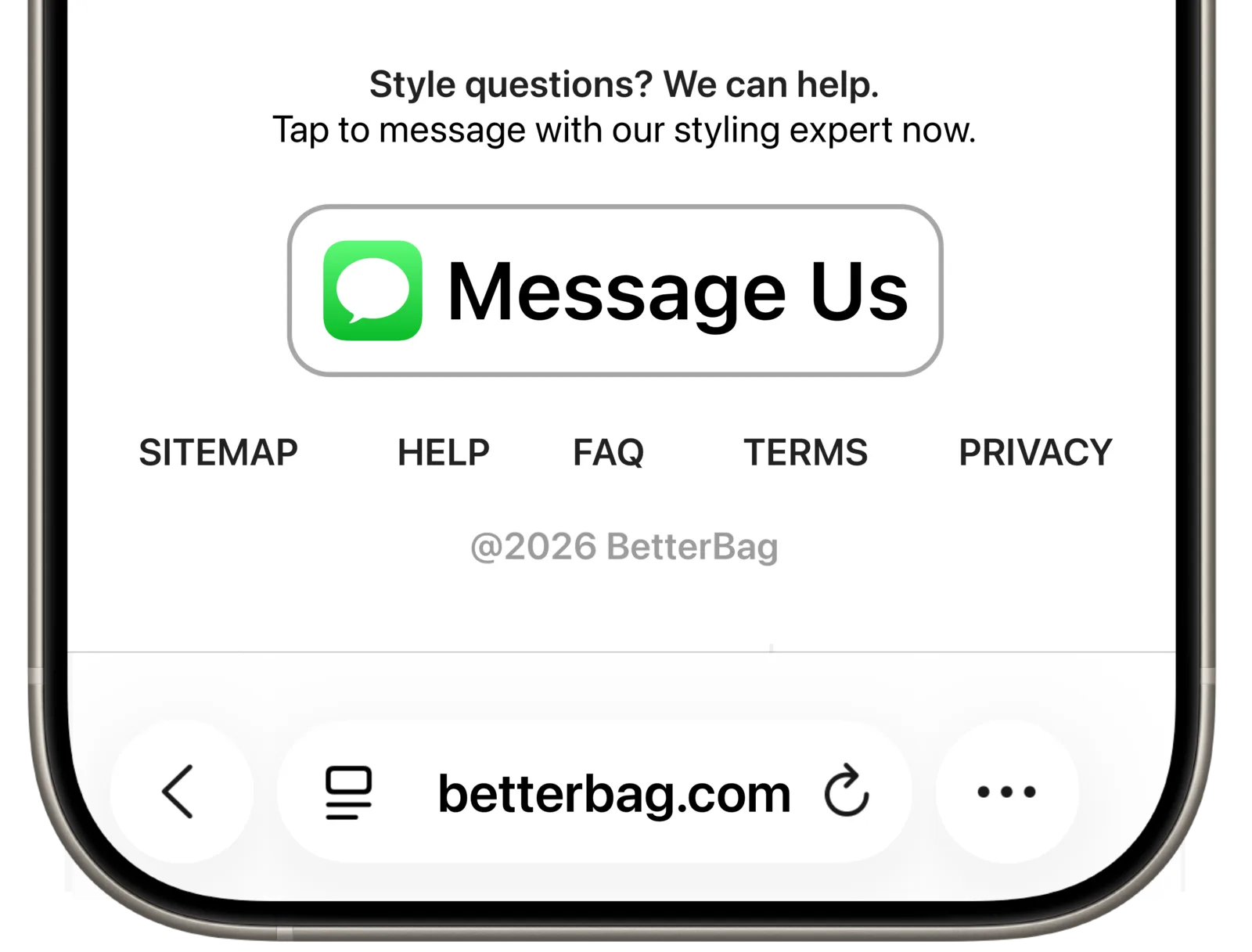
Apple's example: a "Message Us" button next to the product, where questions come up.
- Put buttons where questions happen. Apple names contact and help pages, product pages, and order confirmation pages as the most effective spots.
- Say what to expect. A line next to the button does better than the button alone: "Questions about sizing? Ask us in Apple Messages." or "Book an appointment in Apple Messages."
- Show buttons only on Apple devices. Apple's button script hides the button on unsupported devices for you. If you place the artwork yourself, detect iPhone, iPad, and Mac in your site code and show your other contact options everywhere else.
- Keep them on around the clock. Don't hide buttons outside business hours; automation answers when agents are away.
- Match the button to the page. "Ask a Question" on a product page, "Get Help" on an order page, "Message Us" on the contact page.
- Pre-fill the message and tag the placement. Each button's link should carry a
bodyand its ownbiz-intent-id. See Entry points. - Make phone numbers tappable. Write them as
tel:links in E.164 so iPhone can offer Message Suggest.
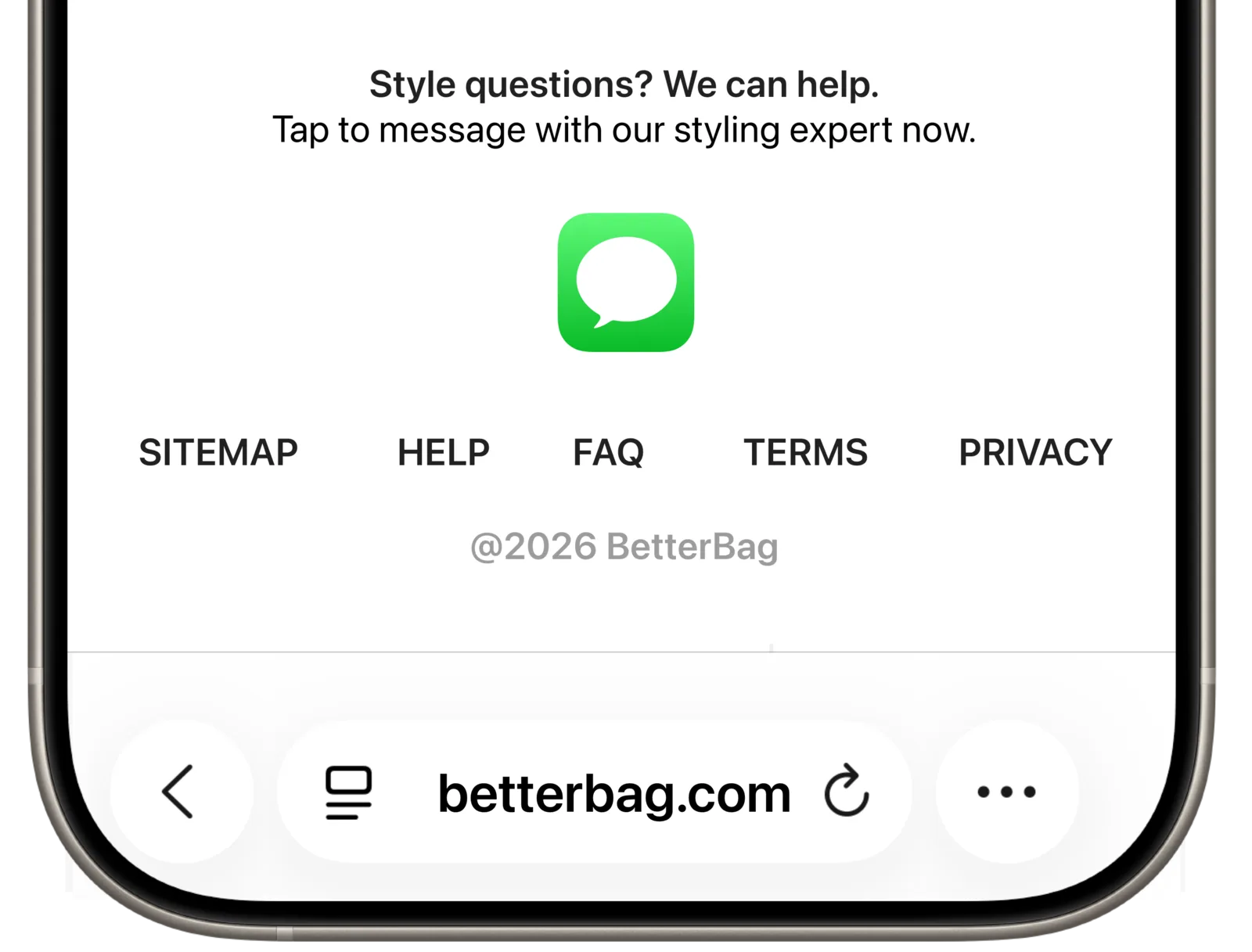
The icon-only variant, for compact layouts.
Design your app
The same rules apply in your app: one of the four buttons or the icon, on the screens where customers need help (order detail, account, help center), opening your entry point link. Hide it on Android. See In your app for the code.
Marketing and press
- Wait for go-live. Don't turn on buttons or announce the channel until Apple has approved your account to go live.
- Describe the experience, not the technology. "Message us in Apple Messages to track your order" says what the customer gets; feature lists and OS versions don't.
- Press needs Apple. A press release, case study, or public announcement that mentions Apple Messages for Business needs Apple's approval. Start through your Apple business contact at least six weeks before the date.
- Follow Apple's trademark rules. Apple Messages for Business, iPhone, iPad, and Mac are Apple trademarks. Keep Apple's spelling and capitalization, and don't merge them into your own product names.